Let AI query production without building it a side channel
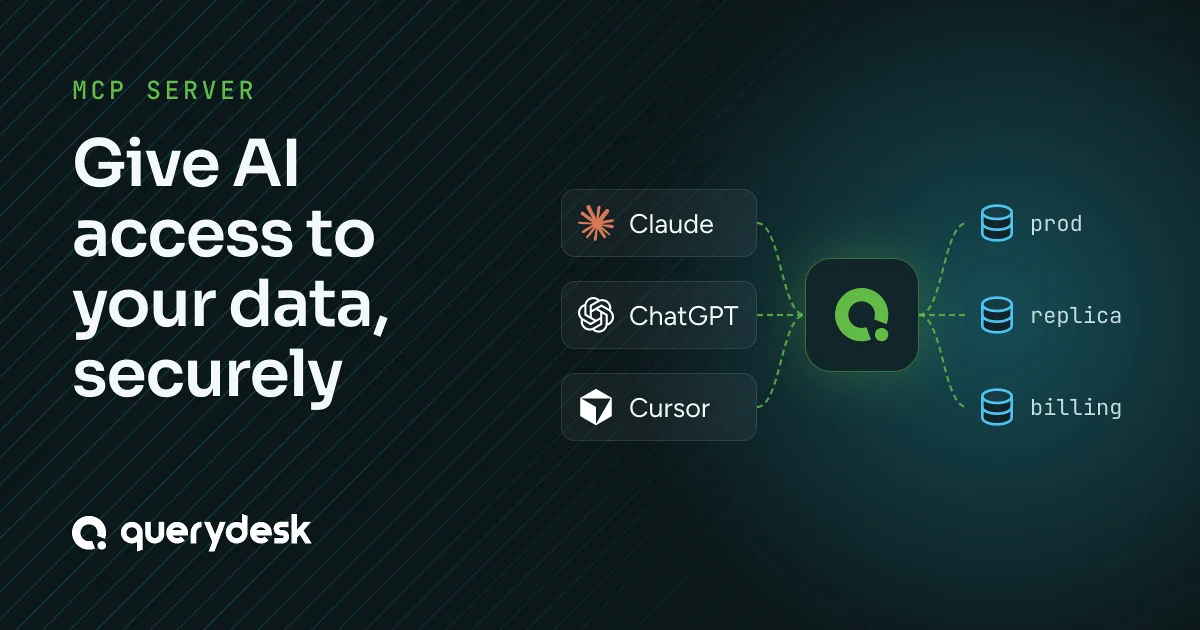
Your engineers already point AI tools at your databases. Some use QueryDesk’s AI assistant, some connect MCP clients like Claude, ChatGPT, or Cursor, and some run agents on their own. If you own platform or security, you no longer decide whether AI touches the database. Your team made that call when they connected those tools. What you decide is how to configure QueryDesk so an AI is held to the same rules as a person, and how you prove that afterward.
AI queries go through the same policy as everyone else’s, and you can add stricter rules for AI on top. QueryDesk governs the query, not the session or the person typing it, because the query is what touches data. This post is for the people who configure that. It covers how policy applies to AI, the settings that limit it, and what those settings don’t cover.
One gate for people and AI
QueryDesk applies policy to the query, not to whoever wrote it. A query an AI writes goes through the same policy engine, at the moment it runs, as one an engineer types by hand. Whether it runs right away or waits for review depends on the credential it runs under, because each credential sets how many approvals its queries need. On a credential that needs no review, the AI’s reads run and return. On a credential that needs review, a person sees the exact SQL and approves or rejects it before it runs. The AI cannot approve its own query, because QueryDesk ignores the submitter’s approval, the same as it does for a person. Once a query is approved, the AI can run only the exact SQL the approver saw.
So the AI is not a side channel. It runs as the user who connected it, QueryDesk tags its queries as AI, and they go through the same gate as the user’s own. The settings below narrow what the AI can do before its queries reach the gate.
The settings you control
Each database has its own AI settings. You turn AI on where you want it, decide whether it can write, pick the credentials it uses, limit the data it sees, and cap what a single query can return.
AI is off until you turn it on
AI access is off by default. While it’s off, no assistant or MCP client can see or query that database, whatever the user’s own permissions are. When you turn it on, you choose read only or read and write. On a read-only database, QueryDesk refuses any write the AI sends before it reaches the database or a reviewer, and the database enforces read only too where supported. On read and write, the AI’s writes still need the reviews their credential requires.
AI uses only the credentials you allow
Turning AI on for a database doesn’t give it every credential on that database. You pick which credentials the AI may use, and an AI query can run only through one of them. That lets you keep the AI on a read-only credential while your engineers use a read/write one, or give it a credential whose database user has a narrow grant. The credential decides both what SQL can run and whether it needs review, so choosing the AI’s credential sets both.
It can see less than the person behind it
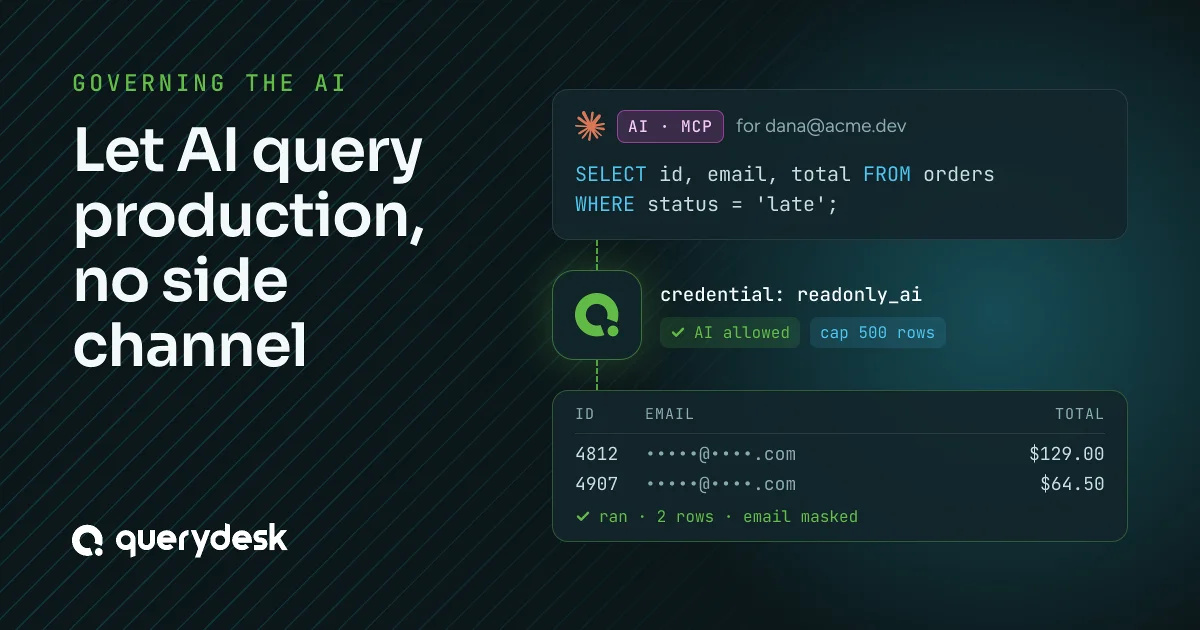
Every AI query is masked under the data protection policy of the person or service account it acts for. You can also give each database an AI data protection policy that applies to every AI query on it, whoever the AI acts as. QueryDesk combines the two and keeps the stricter rule for each column, so the AI never sees more than the person behind it, and you can make it see less. Masking holds after approval too. An AI query that a reviewer approves still returns masked values.
Each AI query is capped
Three limits cap what a single AI query can return or use:
-
Row cap, per database. Each database sets the most rows an AI query may return, 500 by default. QueryDesk adds the limit to the query itself, so a broad SELECT can’t stream a whole table into a model’s context.
-
Result memory, per organization. A single AI query result may use at most 100 MB of memory on the QueryDesk server by default, and self-hosted organizations can change that limit. A result that grows past it returns a “result too large” error, so one wide query can’t take the server down for everyone.
-
Timeout, per database. Each database sets how long an AI query may run, 10 seconds by default, whichever credential it uses. The AI can’t ask for more time.
Every AI query is labeled and attributed
You also need to tell afterward which queries an AI wrote and who stood behind them. Every query records its source, so you can tell a query the AI assistant wrote from one that arrived over MCP, and both from one a person typed. Each AI query is recorded under the person who connected the AI, or under the service account an admin created for an agent that runs on its own. No AI query runs under a shared, anonymous account.
An approver sees the AI label in the pending queue, so they know a model wrote the statement before they approve it. The same label is on the query’s audit record, so anyone reading the history later sees it too. One record answers whether an AI wrote the query and who it acted for.
What this doesn’t cover
Holding the AI to the same gate as a person is a real guarantee, and a narrow one. The AI reaches only the databases and credentials you allowed, each query is capped, anything on a credential that needs review waits for a person, and sensitive columns come back masked.
What these settings don’t do:
-
They don’t make your agent trustworthy. QueryDesk governs the query, not the reasoning that produced it.
-
They don’t fix a client that a prompt injection has taken over. If injected instructions push the AI to run a dangerous write, a read-only database refuses it and a credential that needs review holds it for a person. Neither fixes the client that asked.
The same limits apply to every AI query, whether it comes from QueryDesk’s AI assistant or from an MCP client like Claude, ChatGPT, or Cursor. Within them, QueryDesk treats an AI query like a person’s. It is limited to what you allow, held to the same gate, and recorded under the person or service account behind it.
If you want to try these settings on your own databases, the 14-day trial doesn’t require a credit card.